How to collaborate on sitemaps
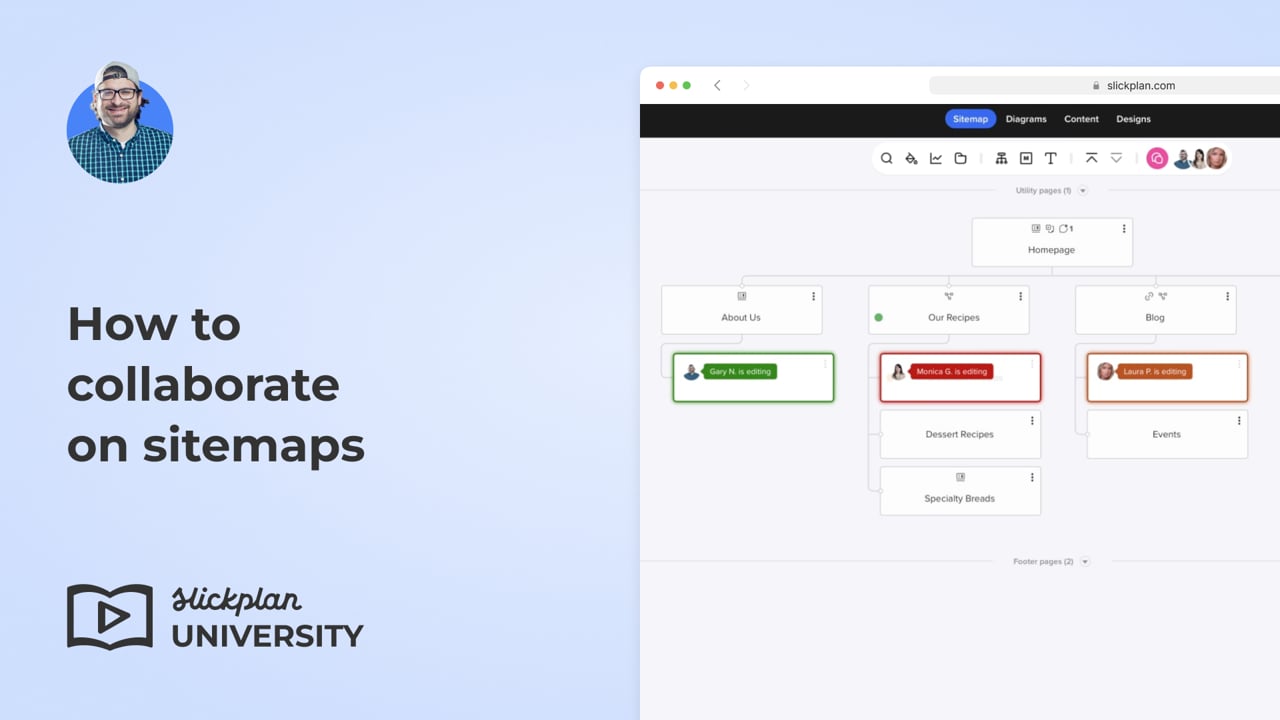
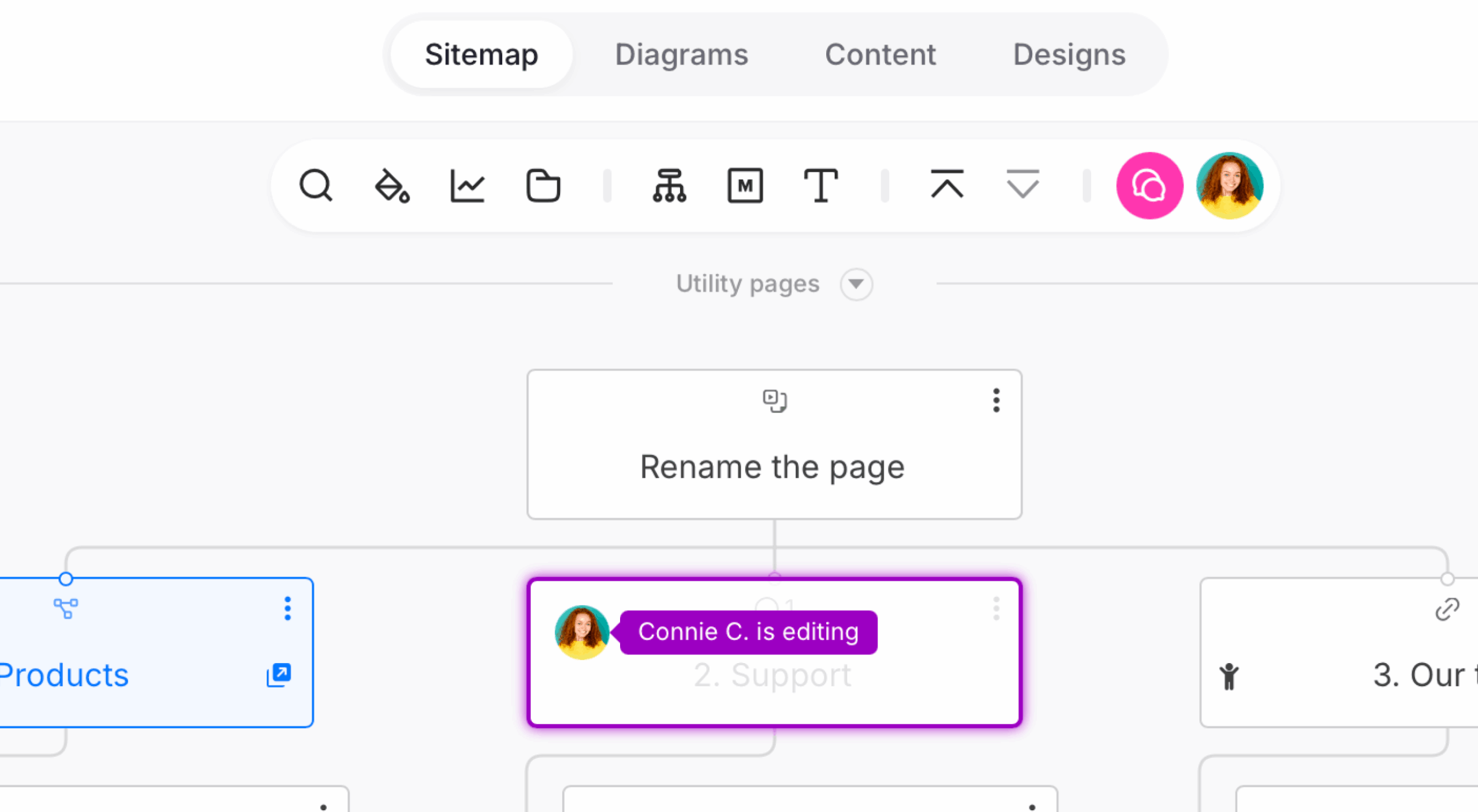
Multiple team members can simultaneously work together on sitemap projects with our real-time editing feature.
The highlighting system indicates who makes changes, ensuring a fluid and efficient workflow.
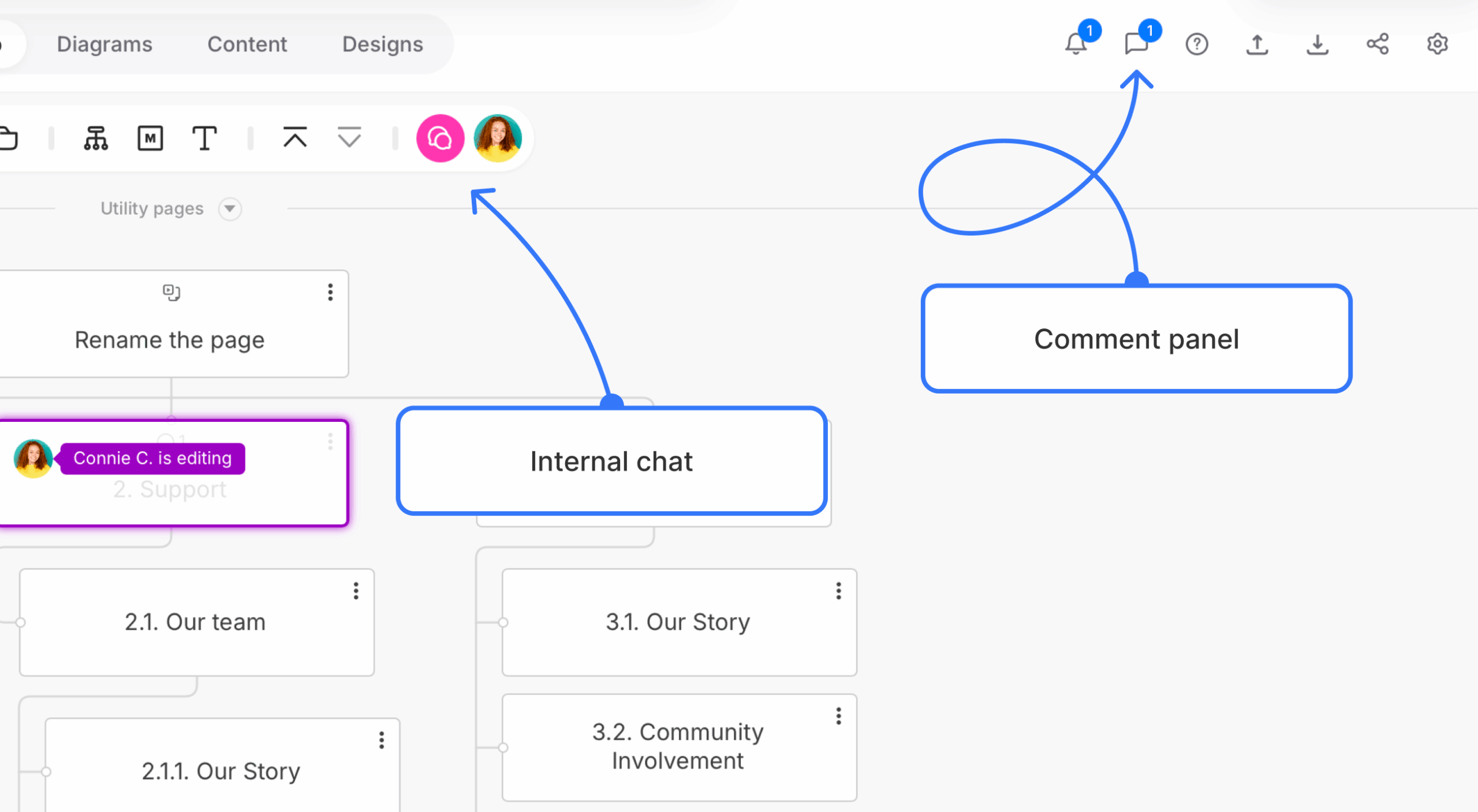
Team members can use the internal chat and the comment board while working to communicate ideas.
A notification will appear in the top right corner whenever a new comment is left.