Use diagram statuses
In this article (2)
Diagram statuses show the current stage of work for focused diagram projects and diagrams inside site planning projects.
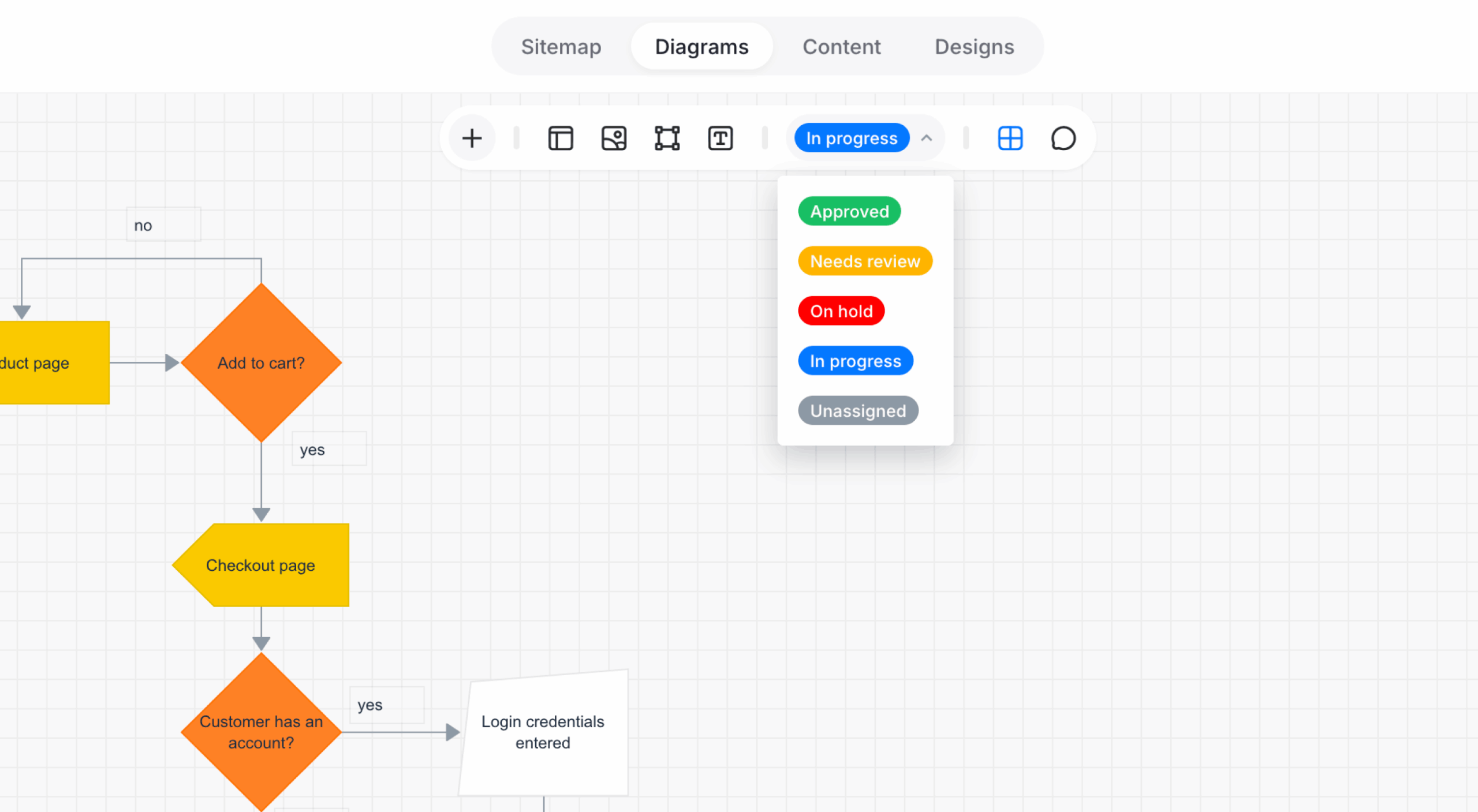
Diagram status options
- Approved: The diagram is finalized and ready for use.
- Needs review: The diagram requires feedback or approval.
- On hold: Work is temporarily paused.
- In progress: The diagram is actively being worked on.
- Unassigned: No status has been assigned.
Change a diagram status
- Open the diagram.
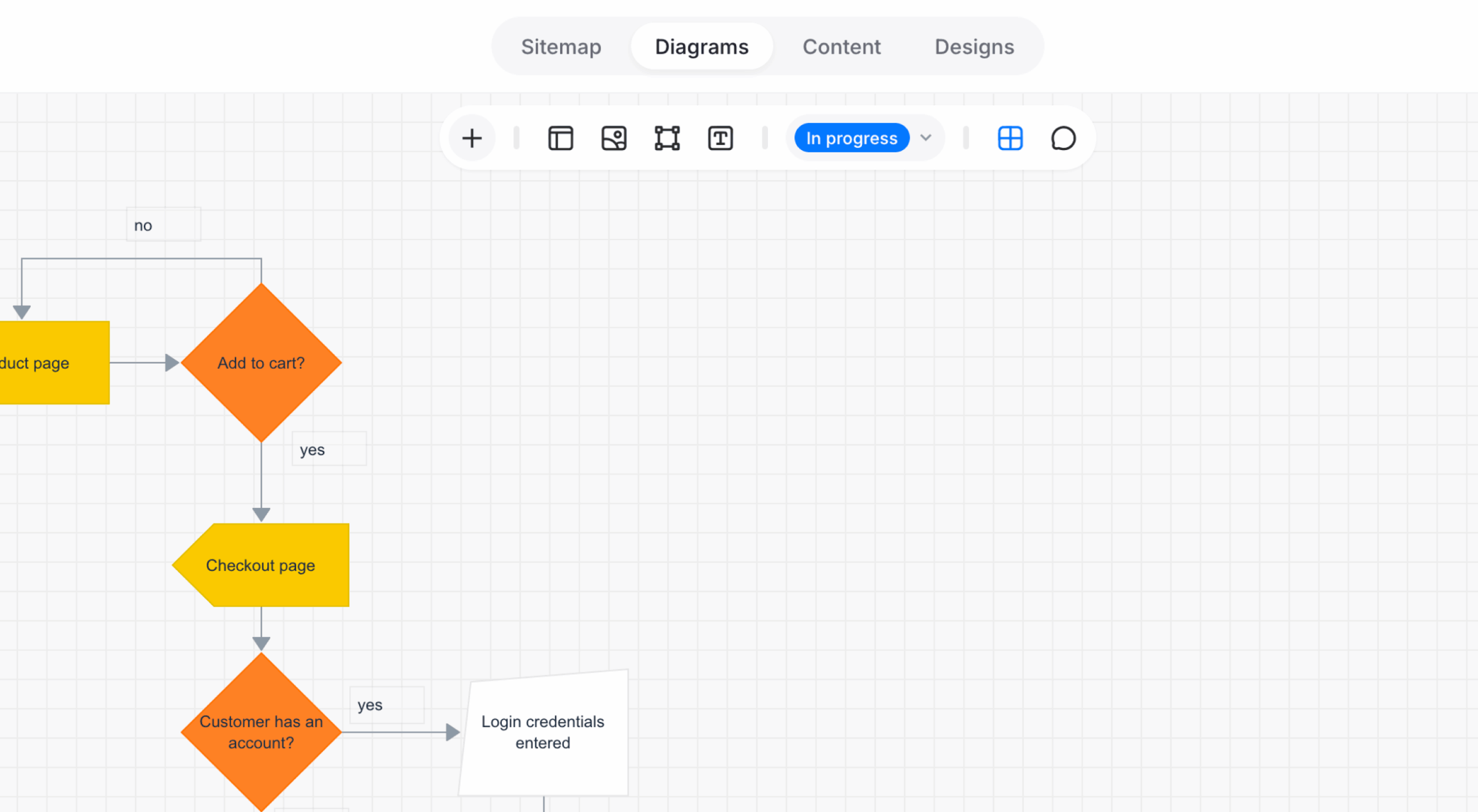
- Select the current status in the toolbar to open the status menu.
- Select a status.
The change saves automatically.