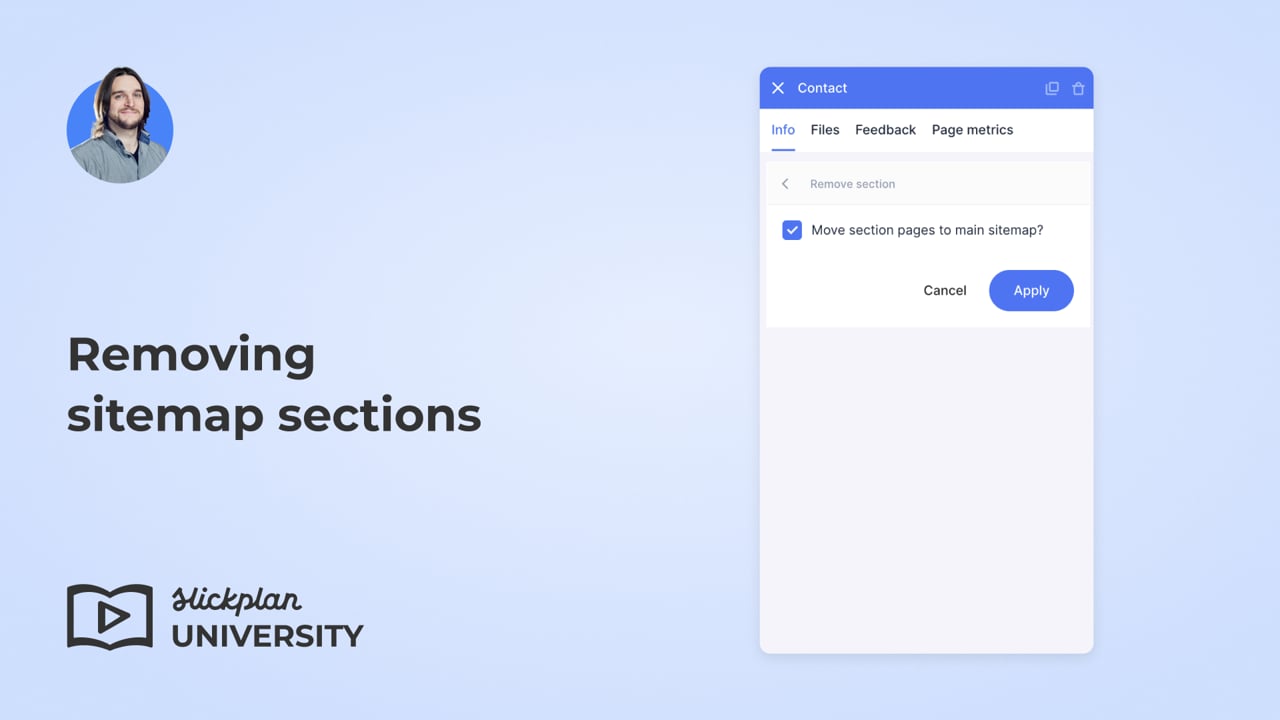
Removing sitemap sections
To remove a section:
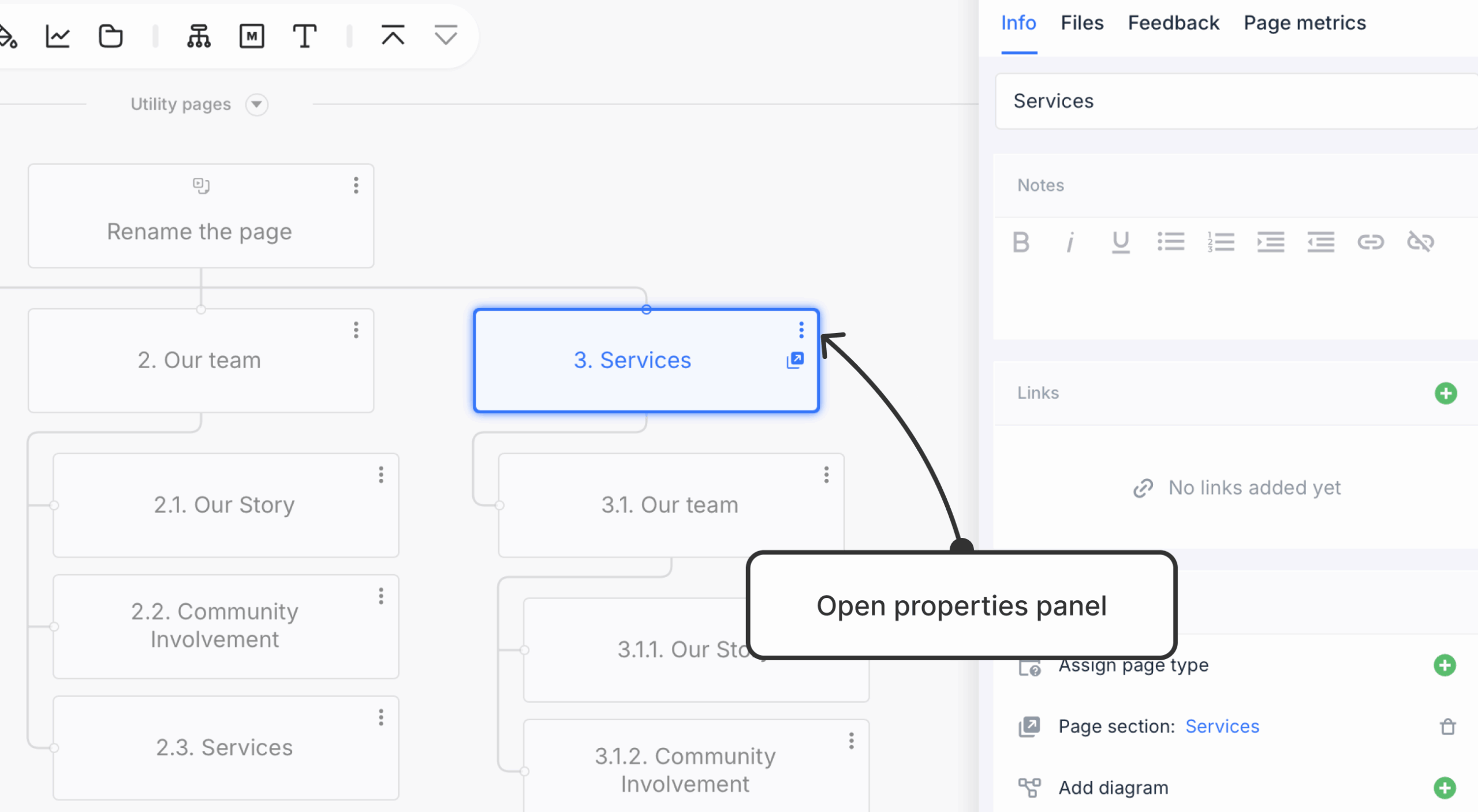
- Open the properties panel of the page that includes the section you want to remove.
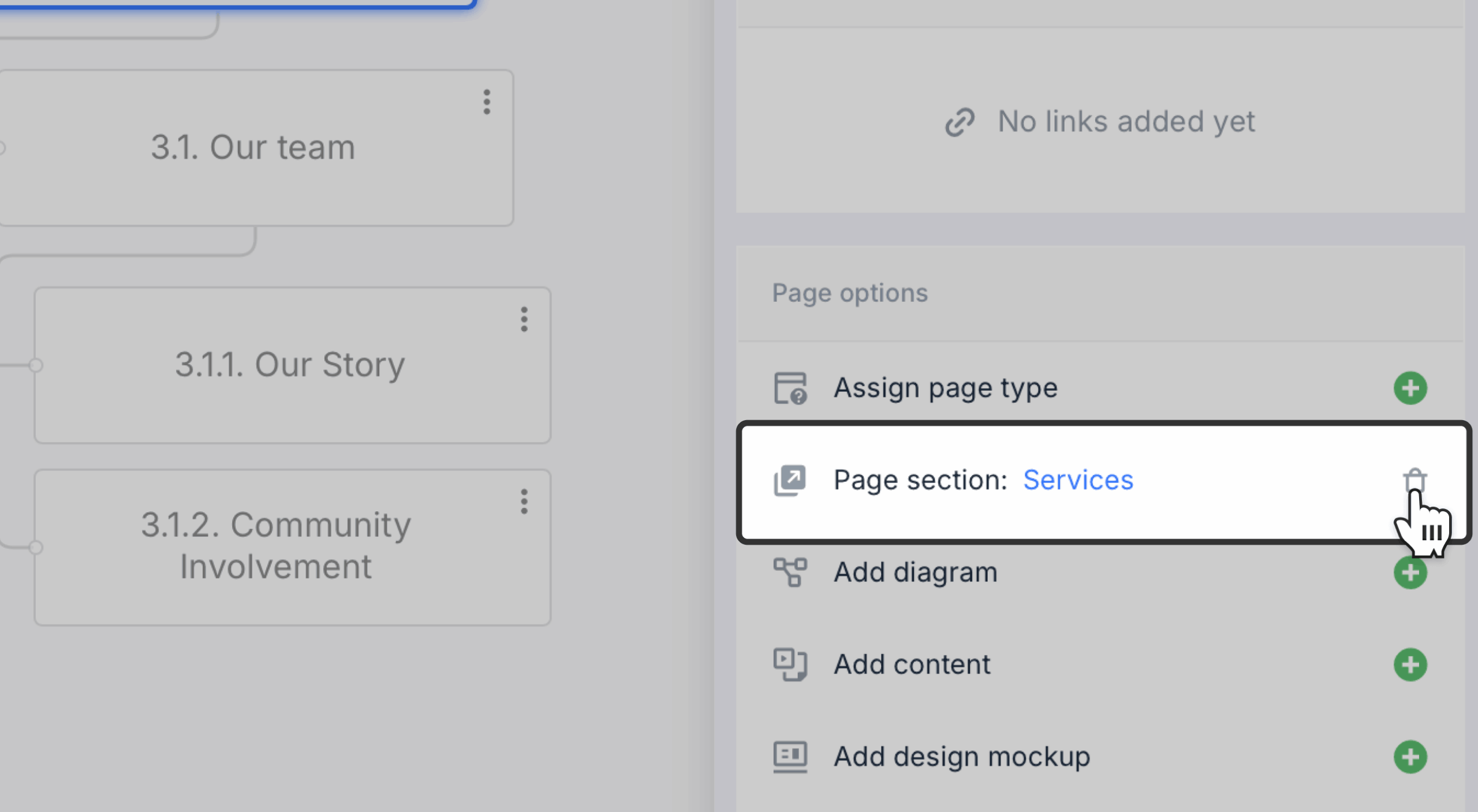
- Click the trash can icon to the right of the section name.
- To avoid deleting the pages within the section, check Move section pages to the main sitemap. This will move the pages into the main sitemap as child pages, ensuring that their content remains accessible.
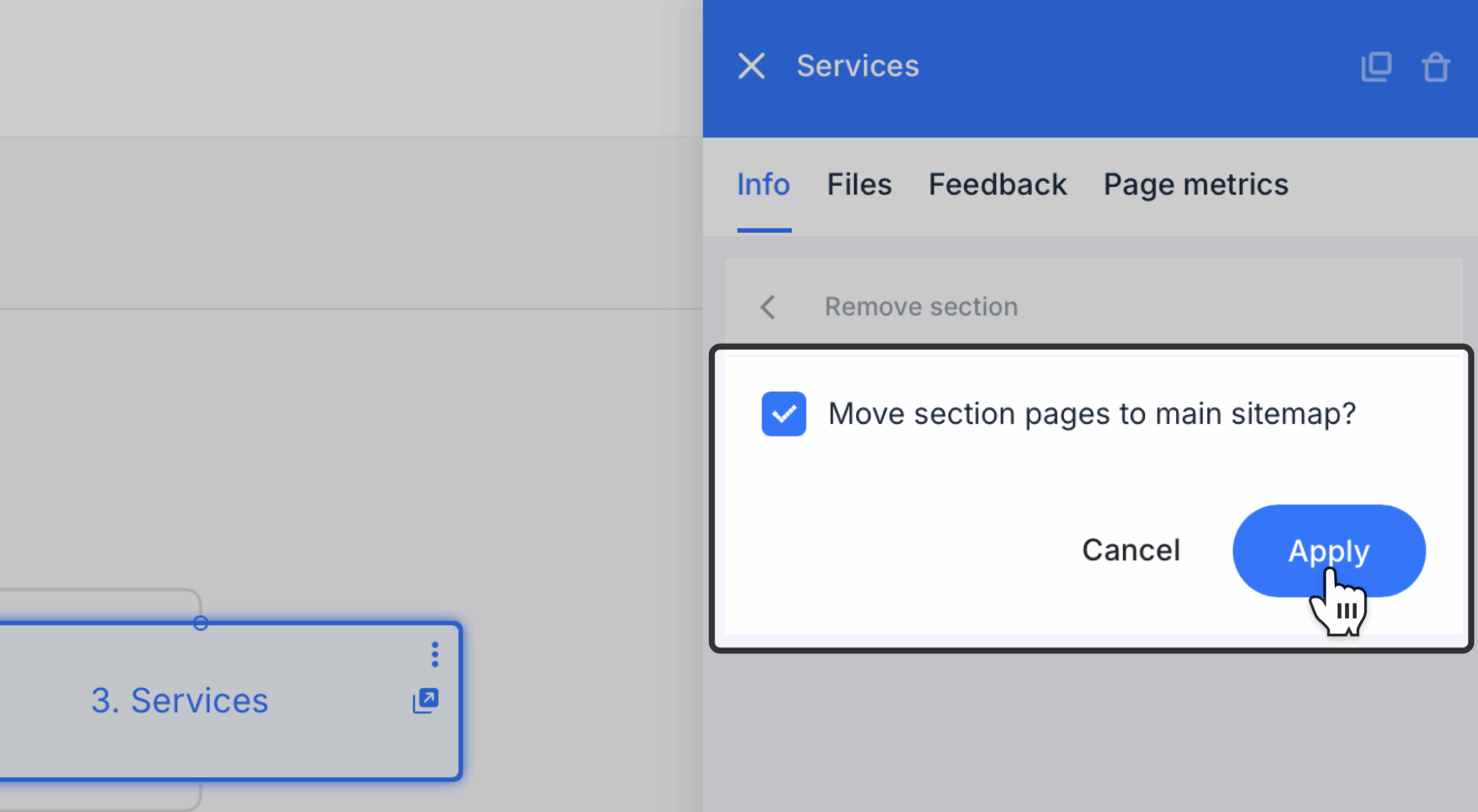
- Click Apply to save changes.