Utilizing the Teamwork integration
To share Slickplan projects on your Teamwork account:
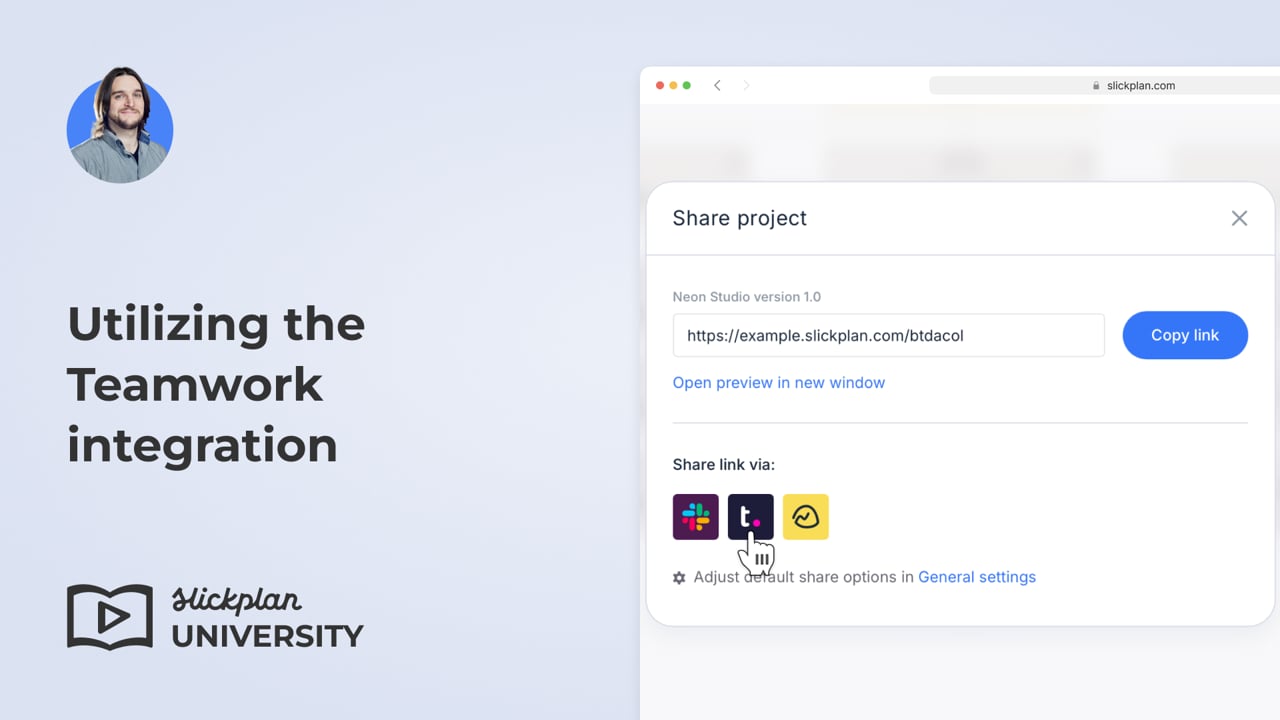
- Open a project, then click the Share icon in the navigation bar.

- A pop-up window will display various sharing options. Select the Teamwork icon.
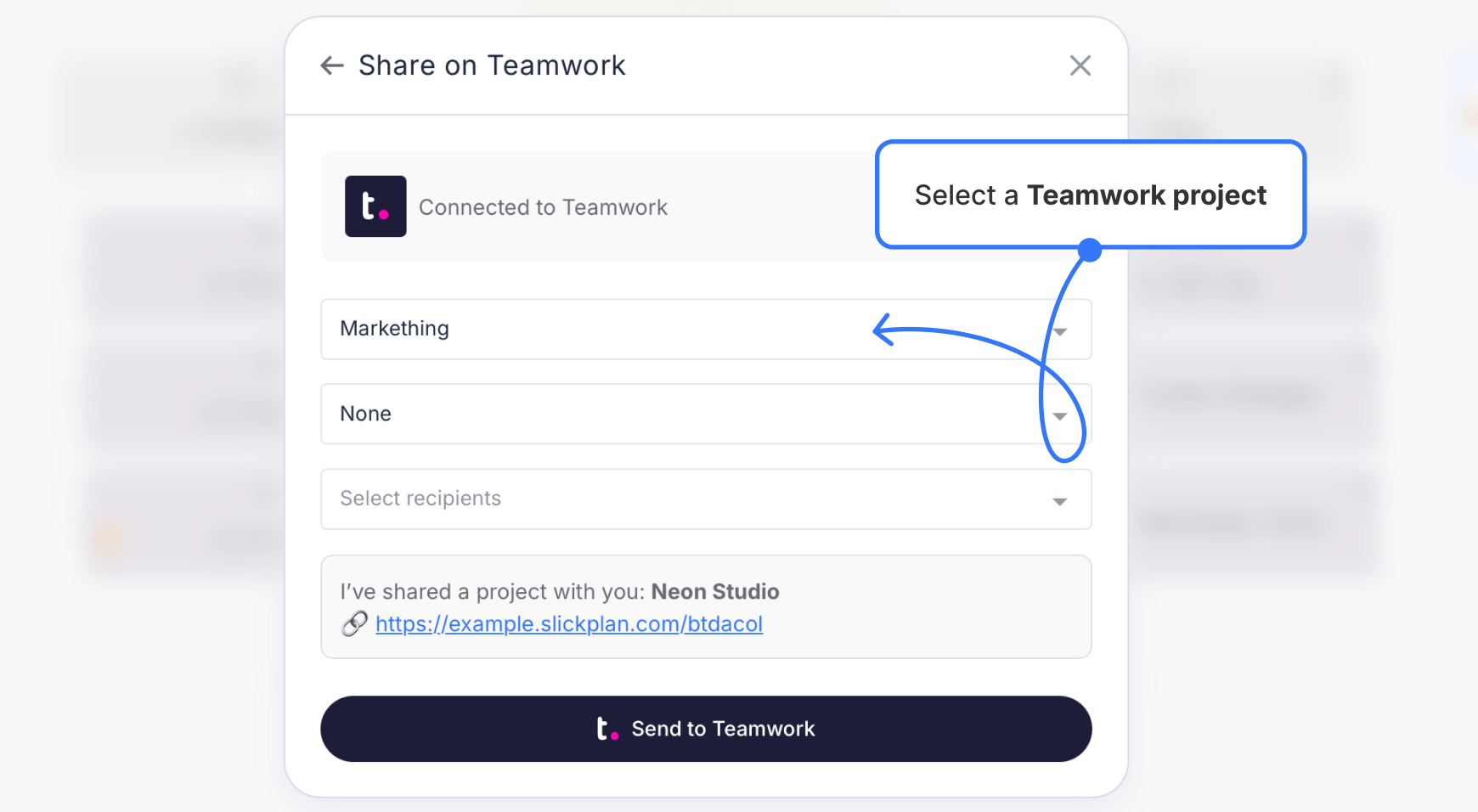
- Choose a project from the menu, then pick the category and recipients.
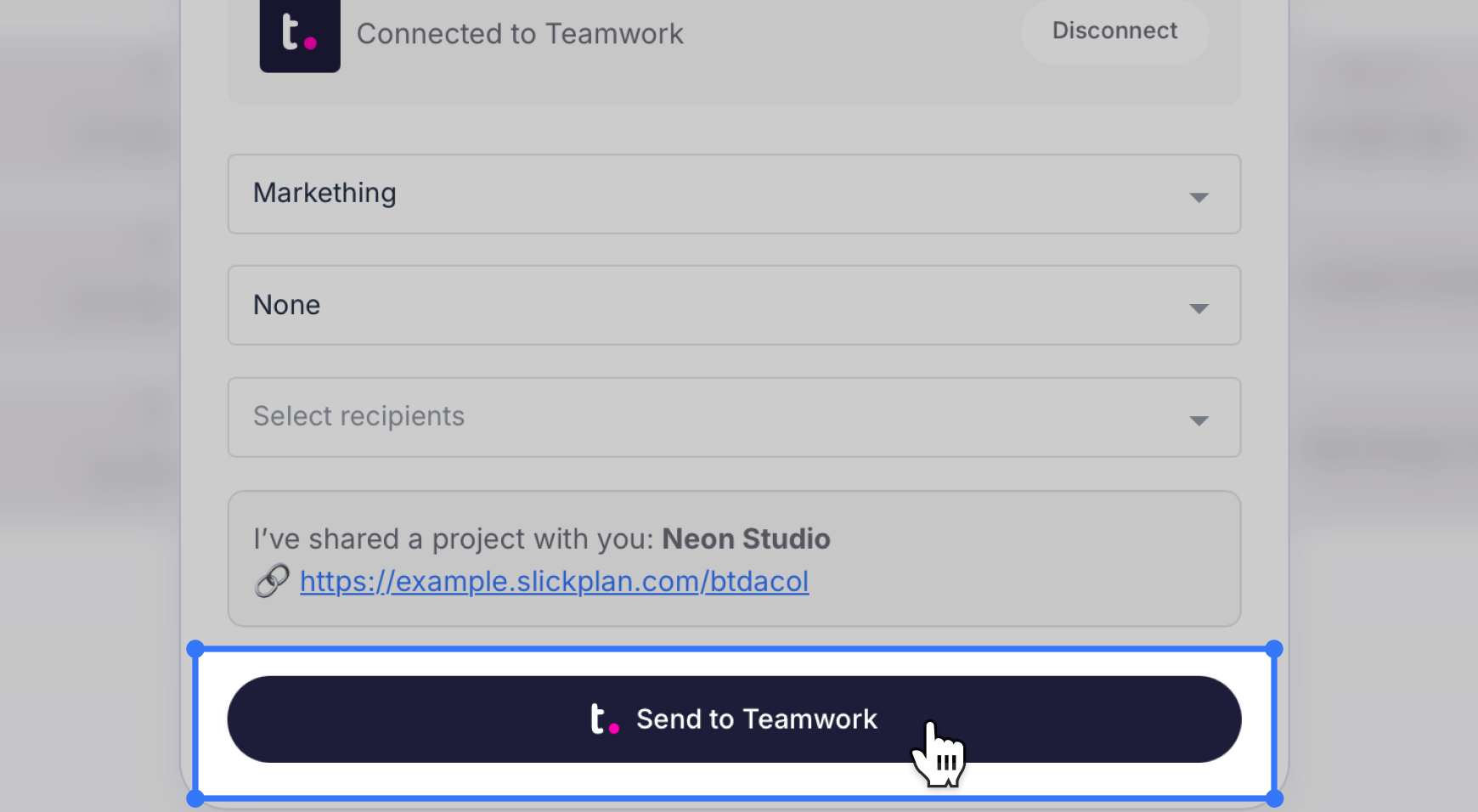
- Click Send to Teamwork to share your Slickplan project.